optional application password generation for accessing an account via IMAP/POP/SMTP. The app password at Web.de/GMX.de looks like this: XM4ZE2SNJDH7GZZEHXJY
recovery email verification for Web.de accounts
Fixed:
recovery email verification for GMX.de accounts
frequent failures when changing account passwords (checker function “Change account passwords”)
unlocking accounts by changing the password (for accounts that are locked by a password change request)
frequent threads freezing for a long time after successfully solving a CAPTCHA when activating mail protocols
persistent EAccountExists error for any usernames in the Web.de creator
an Invalid CORS request error in checkers when checking some locked accounts
ECheckerError in checkers
detection of invalid accounts in checkers
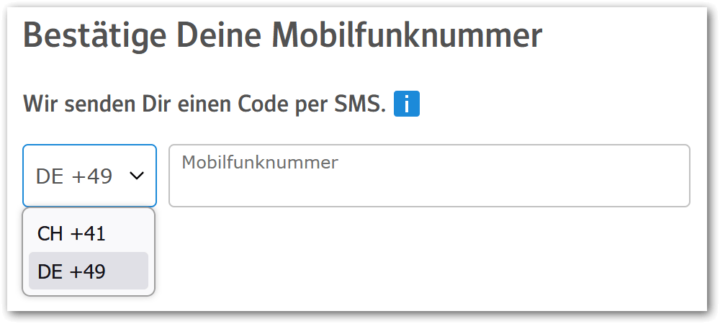
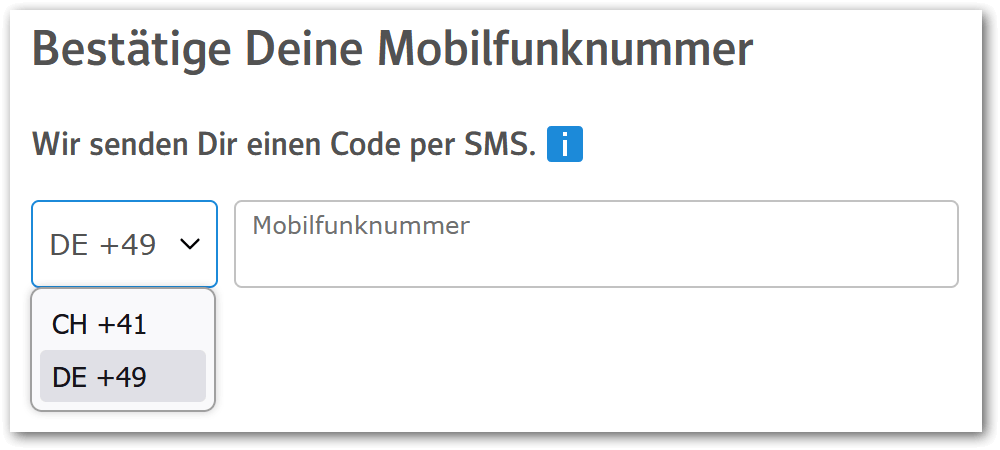
Web.de has removed Austrian phone numbers from its list of permitted numbers:
When you click on a country in the “Phone numbers country” list, a list of available operators will be loaded for it via the selected API. If you check the “Any” box, Read more »
Due to numerous customer complaints about manual and slow updating of the list of available countries of phone numbers for various phone verification providers, dynamic loading of this list via API has been implemented in MailBot.
To date, this method is available and implemented for the following APIs:
This article is a continuation of the previous one, about adapting MailBot to mandatory authentication via OAuth2 for Outlook mail servers.
A new setting “Generate OAuth2 refresh token” has been added to the “Email Features” tab:
This setting currently only works for the Outlook/Hotmail module. If the checkbox is checked, the Outlook creator will generate OAuth2 tokens for accessing mail protocols after successfully creating an account, and the checker will generate them after successfully logging into an existing account.
Attention! All OAuth2 tokens are generated for ClientId 9e5f94bc-e8a4-4e73-b8be-63364c29d753, which is the ClientId of the Mozilla ThunderBird IMAP client in Outlook.
After successfully receiving OAuth2 tokens, MailBot will append a refresh token string to the end of the account string, and will also additionally save all parameters received from the OAuth2 server to a JSON file in the “oauth2” folder inside the “Accounts” folder. The file name will match the account email address. Example of the contents Read more »
Since , Microsoft has almost completely disabled authentication via regular password (PLAIN method) on its IMAP, SMTP and POP3 servers, leaving only the OAuth2 option (XOAUTH2 method). As of today, only a few servers remain unpatched, and it is almost impossible to authenticate with a regular password on Outlook mail servers.
If you try to authenticate with a regular password, for example, the Outlook SMTP server will respond with this error:
535 5.7.139 Authentication unsuccessful, basic authentication is disabled.
and the Outlook IMAP server will respond with this one:
001 NO AUTHENTICATE failed.
To some extent, this also affected MailBot, since the verification of recovery emails in the program is carried out via the IMAP protocol.
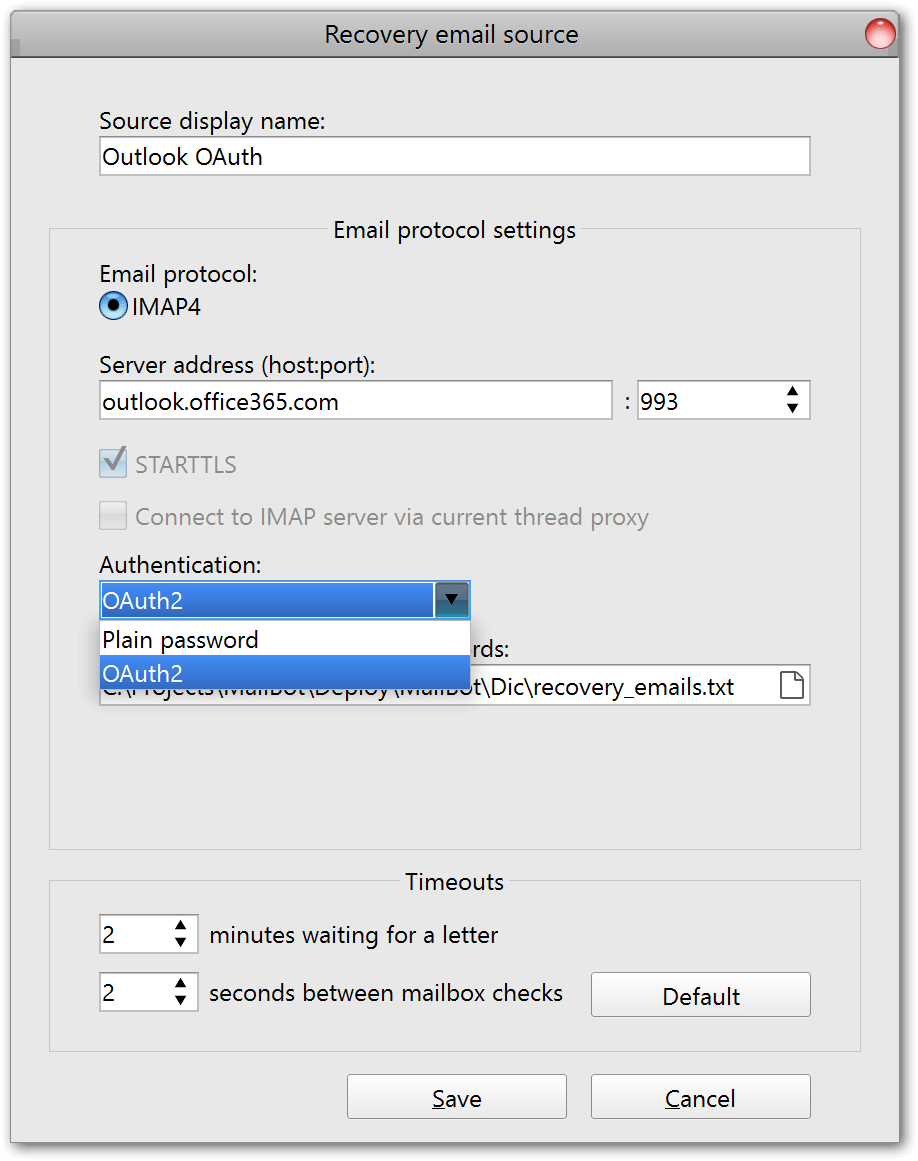
In connection with this, a new setting “Authentication” appeared in the recovery email source settings window in MailBot, which is a list with two values:
Plain password
OAuth2
When connecting Outlook accounts as recovery emails, you now need to select only OAuth2, and the format of the recovery emails in the file should look like Read more »



 EzCaptcha — buy FunCaptcha Outlook/Twitter from $1.2/1K!
 RemProxy — budget, nimble proxies for any task
 LegionProxy — 74M+ Residential Proxies from $0.60/GB
 MailerKing — best SMTP and webmailer ever!